Making Technology More Accessible: Tools for Comfort, Independence, and Confidence
For individuals living with tremors, limited mobility, arthritis, vision challenges, or other physical disabilities, simple computer tasks can be frustrating and exhausting. Here are some tools that can make a significant difference.
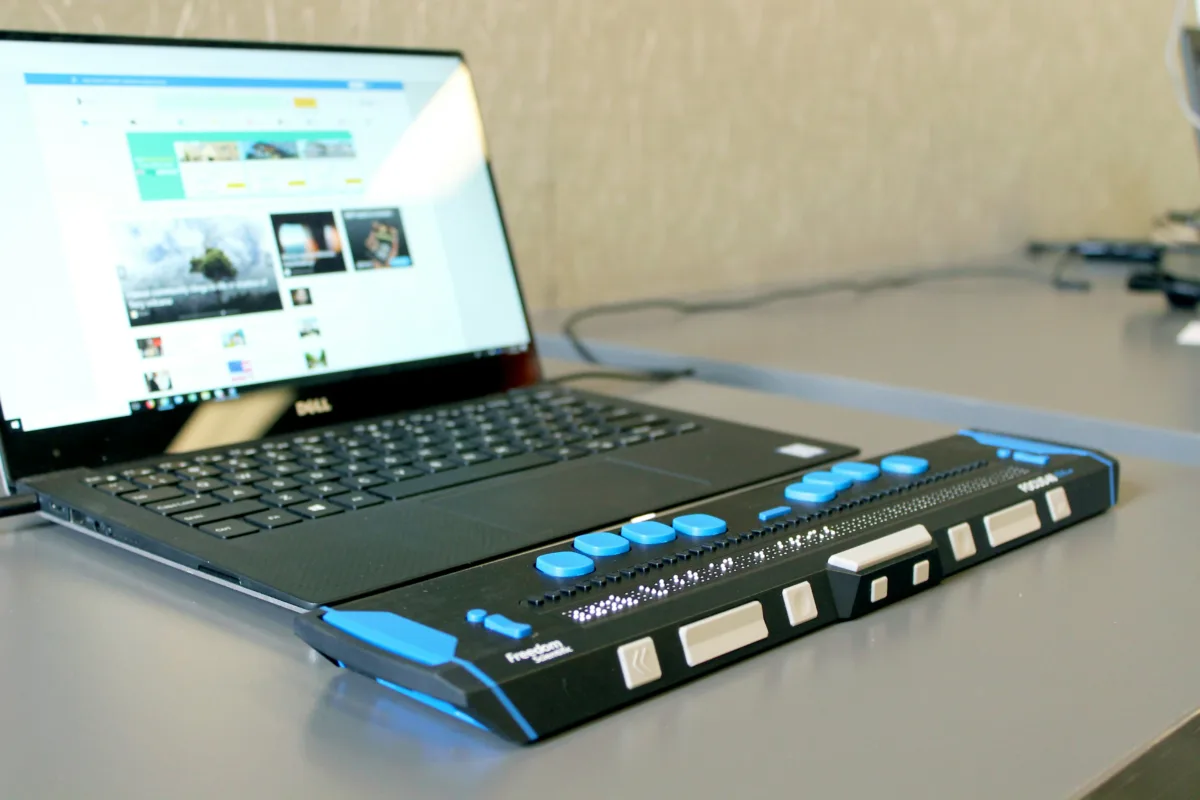
For many people, using a computer is something they hardly think about. A quick click of a mouse, typing an email, or navigating a website can feel effortless.
But for individuals living with tremors, limited mobility, arthritis, vision challenges, or other physical disabilities, these everyday tasks can become frustrating and exhausting.
The good news is that modern technology offers a variety of tools designed to make computers more comfortable, accessible, and enjoyable to use. Sometimes a small change can make a significant difference.
Easier Mouse Control
Using a traditional mouse isn’t always comfortable or precise for everyone.
Today there are alternative options that can reduce strain and improve control:
- Vertical mice place the hand in a more natural position and can help reduce wrist and forearm discomfort.
- Trackball mice allow the cursor to be moved using a thumb or finger while the device remains stationary, reducing the amount of hand movement required.
- Ergonomic wrist supports and mouse pads can provide additional comfort during extended computer use.
For some people, simply switching to a different style of mouse can dramatically improve their computer experience.
Software That Helps Reduce the Effects of Hand Tremors
One of the most impressive accessibility tools available today is software designed to reduce unwanted mouse movement caused by tremors.
Programs such as SteadyMouse help smooth out cursor movement, making it easier to click buttons, select text, and navigate websites accurately.>
For users who find the mouse cursor difficult to control, this type of software can be a game changer and may be more effective than replacing hardware alone.
Let Your Voice Do the Typing
Typing can be physically demanding, especially for users with limited dexterity or hand fatigue.
Modern computers include excellent speech-to-text capabilities that can convert spoken words into written text almost instantly.
Voice dictation can be used to:
- Write emails
- Create documents
- Conduct online searches
- Fill out forms
- Take notes
Many people are surprised by how accurate today’s speech recognition technology has become. For some users, speaking naturally is significantly faster and more comfortable than typing.
Keyboards Designed for Visibility and Comfort
Standard keyboards aren’t always ideal for every user.
Accessibility-focused keyboards often feature:
- Larger lettering
- Higher contrast keys
- Improved key spacing
- Enhanced visibility in low-light conditions
These designs can make typing easier for people with vision challenges or those who find standard keyboards difficult to use.
Technology That Helps With Writing
Writing emails and documents can sometimes be challenging, whether due to typing difficulties, spelling challenges, or simply trying to communicate more clearly.
Tools such as Grammarly can assist by:
- Correcting spelling mistakes
- Suggesting clearer wording
- Improving grammar
- Helping users communicate more confidently
These tools can reduce frustration and make writing tasks feel less overwhelming.
Built-In Accessibility Features You May Already Have
Many people don’t realize that Windows and macOS already include powerful accessibility features at no additional cost.
These can include:
- Larger text and display scaling
- Magnifier tools
- On-screen keyboards
- Voice typing
- Speech control
- High-contrast display modes
- Mouse cursor customization
Before purchasing additional software or hardware, it is often worth exploring the accessibility options already available on your device.
Finding the Right Solution
There is no single accessibility tool that works for everyone.
The best solution depends on an individual’s specific needs, comfort level, and daily computer activities. Sometimes the answer is a different mouse. Other times it may be speech-to-text software, accessibility settings, or a combination of several tools working together.
The best solution is rarely a single product. Often, it’s a combination of the right hardware, software, and accessibility settings. Consider working with an IT professional to help identify what will have the biggest impact before you spend money on tools you may not need.
Technology should adapt to people, not the other way around. With the right tools, many individuals can continue using computers comfortably, independently, and confidently.
Leave a Comment